

What this means for your practice
Define the purpose and evidence needed before arranging the slides. Keep supporting detail available without making every audience read the same technical material.
An example to discuss with your team
Ask a reader to summarise the requested decision after reviewing the deck.

A practical example
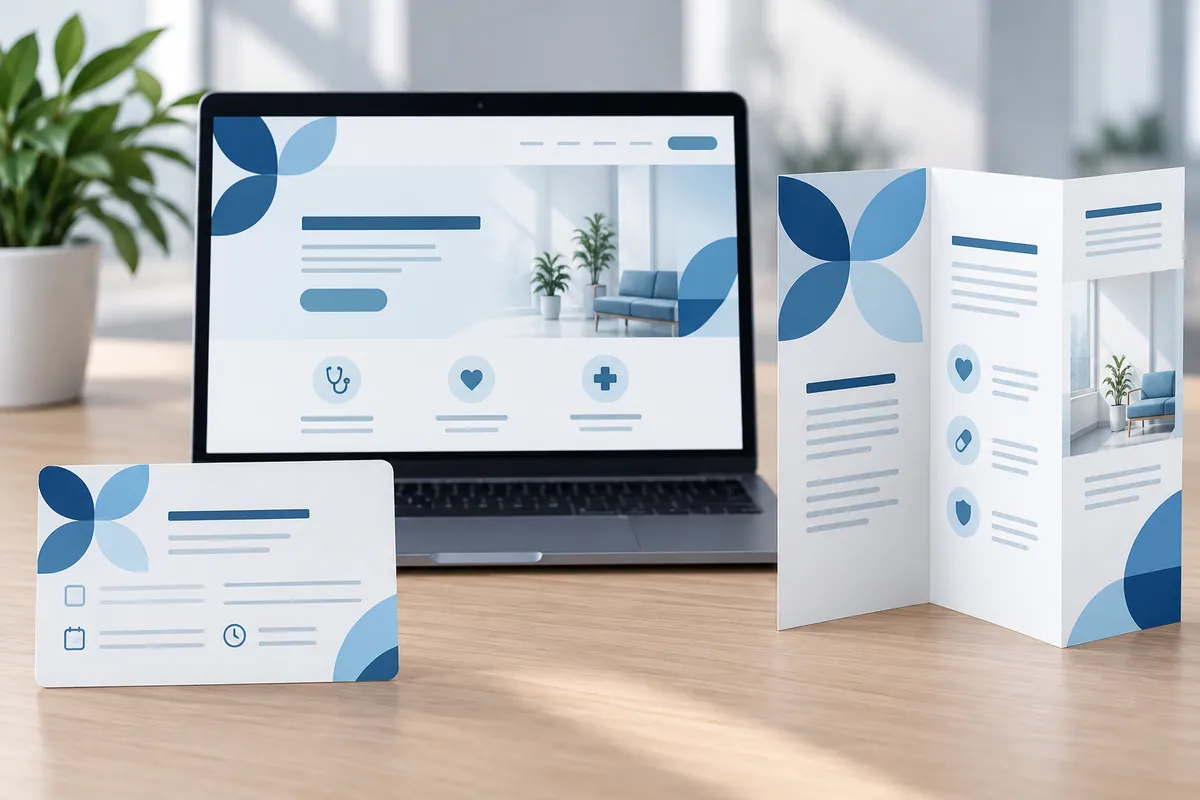
For example, a presentation about a proposed website project might explain the current problem, the intended improvement, the scope and the decision needed. It does not need every technical detail on the opening slides. Ask your designer to show a simple outline before polishing the layout. Read it as somebody who has not attended the planning meetings. A good result gives the audience enough evidence to consider the proposal and a clear next step, without relying on the presenter to explain why each slide exists.
Write the requested decision in ordinary language near the beginning and return to it at the end. The audience should understand what they are considering before seeing supporting detail. This also helps the presenter remove slides that are interesting but unrelated to the purpose.
Make the design useful in everyday work
Write the audience's intended decision at the start of the presentation brief. Identify what they need to understand to make it and what supporting detail can remain available for questions. A deck for choosing a next project step may need a different structure from an introduction to the organisation. Ask the author to explain the argument without referring to slide styling. Then check that each main slide contributes evidence or necessary context. Use an unfamiliar reader to summarise the requested decision after reviewing the deck. If they describe only the topic, the presentation may still need a clearer purpose or recommendation.
How to check the result
Count slides that do not support the stated purpose.
Turn reading into a next step
Your action checklist
Work through these checks with your team or supplier. Tick the ones you have resolved and leave unknowns open.
Record what you know, what is still missing and the answer you need from your team or supplier.
Use project decisions only, without personal, patient or confidential details. Entries stay in this page and are not submitted to Kay & Co. Copy or download before leaving; this page does not save your notes.
Further reading
These sources provide background for the topic. The practice examples and checklist are illustrative planning suggestions from Kay & Co.
Related guides
Need help with this?
Tell us what is getting in the way. Kay & Co. can help you understand the options and turn the next step into something that works for your practice.
Explore brand & design services or discuss your project.
Try the free Healthcare Digital Planner to find your starting priority.