You have been told your dental practice needs a new website. The designs look better than your current one, but the proposal is full of words you do not recognise. How do you know whether it will be worth the money?
Start with the problems you want it to solve. Perhaps patients cannot find your fees, reception keeps answering questions the website should cover, or the booking button is difficult to use on a phone. A useful dental website redesign should address those problems. You should be able to explain what you are buying without learning how to build it yourself.
These seven questions will help you compare proposals, spot missing work and agree what the designer will deliver. Each includes an example of a helpful answer and something to question.
1. Do we need a new website, or could we fix this one?
“It looks dated” is a starting point, not a complete reason to replace everything. Ask the designer to show you what is making the site difficult for patients or staff to use.
For example, suppose patients can book easily, treatment information is accurate and your practice receives suitable enquiries, but the photographs are old. Ask what a photography and design refresh would cost. If the site is difficult to update, confusing on phones and missing important information, a fuller redesign may make more sense.
A helpful answer: “We found that the booking button disappears on smaller screens and the fees page is hard to find. Here are two options: repair those problems, or replace the site and improve the wider layout.”
Something to question: being told you need a completely new site before anyone has asked what is wrong with the existing one.
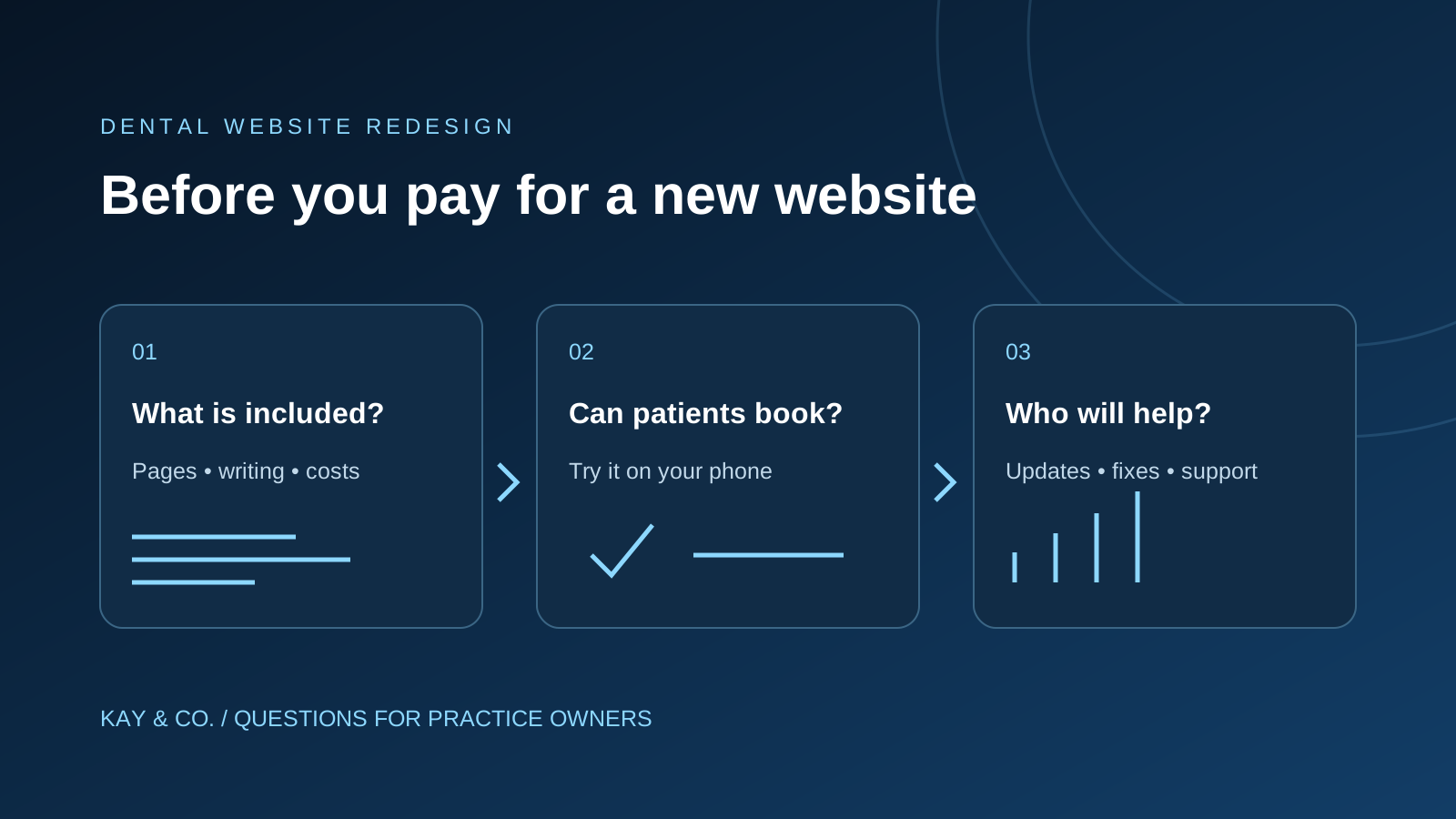
2. What is included in the price?
Two quotes can look similar while covering very different amounts of work. One may include writing treatment pages and uploading photographs. Another may expect your practice manager to supply everything ready to publish.
Ask for a written list covering:
- The pages included, with examples such as treatments, fees, team, contact and new patients.
- Writing, editing, photography and any charges for changes to the draft.
- Connecting the appointment booking service you already use.
- Training so someone at the practice can make routine updates.
- Ongoing costs to keep the site online, supported and maintained.
- Work to preserve useful existing pages and help people continue finding the practice.
A helpful answer: a clear first-year total, the expected ongoing charges and a list of anything that costs extra.
Something to question: “everything is included” without a page list, responsibilities or ongoing fees. Ask what happens if you add another treatment or clinician later.
A fictional comparison: the lower build price may not mean the lower bill
These invented figures show the arithmetic only. They are not Kay & Co. prices, supplier quotes or a UK market average. Both examples exclude VAT and assume 12 monthly payments in the first year.
| Item | Proposal A | Proposal B |
|---|---|---|
| Initial design and build | £3,000 | £4,000 |
| Monthly hosting and support | £150 | £75 |
| Extra writing needed for launch | £800 | Included |
| Known first-year total | £3,000 + (12 × £150) + £800 = £5,600 | £4,000 + (12 × £75) = £4,900 |
Proposal A starts £1,000 lower but costs £700 more for those items in year one. That does not make B better without checking whether the pages, support and ownership terms are equivalent. Booking-provider charges, domain renewals or transfer fees would need adding if they sit outside either quote. A longer contract also needs a minimum-commitment total, not just a first-year figure.
Ask each supplier to fill the gaps, state the VAT treatment and price the same work. Record an unconfirmed item as an open question; treating it as £0 makes the comparison misleading.
3. Who will write and check the information?
A designer may produce an attractive page without knowing whether its description matches the care your practice provides. Agree who supplies the first draft, who checks it and who approves it.
Give the team current information about the treatments you actually offer, the clinicians patients may see and how appointments work. Ask them to flag anything they cannot verify rather than fill the gap with a confident claim.
For example, if a draft says every new patient can get a same-day appointment, the practice needs to confirm that promise before it appears on the website. If availability varies, the wording should reflect that.
A helpful answer: “We will draft the pages from your information, highlight questions and send them to your nominated clinician or practice lead for approval.”
Something to question: generic treatment text published without the practice checking it. Our guide to dental website content that builds patient trust explains what useful patient information should cover.
4. Will patients find it easier to contact us?
Ask to see a working example on a phone, not just pictures of the proposed home page. Try the tasks a new patient is likely to attempt:
- Find out whether the practice offers the treatment they are looking for.
- Find the fees or understand how to ask about cost.
- Call, request an appointment or use the booking service.
- Find the address, opening hours and practical visit information.
Imagine someone has five minutes during their lunch break to arrange a first appointment. Can they work out what to do, or do they meet vague buttons, missing information and a long form?
A helpful answer: the designer walks through those tasks with you, then arranges a clearly labelled test enquiry with reception before launch. Reception confirms that it arrived.
Something to question: approving the site because a button looks attractive without checking where it takes the patient.
5. What happens to the patients finding us on Google?
If people already reach a useful treatment page through Google, you do not want that page to disappear without a plan. Ask the designer how they will keep those journeys working when the new website replaces the old one.
You do not need to configure anything yourself. Ask them to show you what happens when someone follows an old link to your implants page: does the person still reach the relevant treatment information?
Google says search positions can fluctuate after significant website changes. Its website-move guidance recommends planning where old pages will lead and monitoring the change. A responsible proposal should explain that work without promising that rankings can never fall.
A helpful answer: “We will review the pages people currently use, keep useful information and check that old links reach the right place. We will also monitor for problems after launch.”
Something to question: “A modern design automatically puts you higher on Google” or a promise of first place. Ask what specific work supports the claim.
6. Can we update the website and change suppliers?
Think about ordinary changes: a dentist joins, a fee changes or your Christmas opening hours need updating. Who makes those changes, how long do they take and what do they cost?
Also ask what happens if you stop working with the designer. Get written answers about control of the website address, access to the site and whether you can take your content to another provider. Different arrangements are possible; the important point is understanding yours before committing.
A helpful answer: “We will show your practice manager how to update these sections. Here is what support costs, and here is what you can take with you if you leave.”
Something to question: a supplier who cannot explain how the practice would make a simple change or move on.
7. What happens after it goes live?
Agree who checks the finished website, who fixes a broken booking route and who reviews whether it is helping the practice. Ask for a named contact and an explanation of what support includes.
Choose a few useful questions for the review: are suitable new patients getting in touch; are the enquiries reaching the right person; and are patients still calling reception because important information is missing?
Website visits alone do not answer those questions. More visits could include people looking for jobs, existing patients checking opening hours or enquiries for treatments you do not offer. Ask the provider to explain results in terms your practice can act on.
A helpful answer: an agreed follow-up date and a short review of enquiries, common patient difficulties and any problems that need fixing.
Something to question: support that ends at launch or reports filled with numbers nobody explains.
A small launch checklist you can use with reception
Agree the test time and label all test enquiries clearly. Use fictional information and the booking provider's approved test arrangements so a demonstration does not accidentally reserve a real appointment.
- Patient journey: open a priority treatment page on a phone, locate the fee explanation and reach the correct location's next step.
- Delivery: confirm the test reaches the named reception team and that the final screen explains whether it is a request or a confirmed booking.
- Recovery: leave a required form field empty, then correct it. The instructions should explain the problem without losing everything already entered.
- Existing links: open an old treatment address and a link from the practice's Google profile. Each should lead to the relevant information.
- Staff handover: ask the person responsible to change a fictional fee in a preview, find the support contact and explain how to report a failed enquiry.
For each check, record passed or failed, who checked it and who owns any fix. Ask the supplier to demonstrate agreed accessibility checks too. Decide the release date after reviewing unresolved problems, particularly anything that blocks contact or sends an enquiry to the wrong team.
An email you can send to your designer
Copy and adapt this before accepting a proposal:
Before we approve the new website, could you confirm:
- Which problems you recommend fixing, and whether a full redesign is necessary?
- The pages and writing included, plus first-year and ongoing costs?
- Who checks treatment information and approves the final pages?
- How you will test booking and enquiry forms with our reception team?
- How patients using our existing Google listings and links will reach the right pages?
- What we can update ourselves and what happens if we change suppliers?
- What support and follow-up are included after launch?
You should be able to compare the answers with another proposal. If the explanation is still unclear, ask for an example using your own practice website.
Thinking about a new dental website?
Start with the patient enquiries you want and the problems you need to solve. Kay & Co.'s dental website design service brings those questions into the brief alongside your practice's search visibility. Tell us what is frustrating you about your current website, and discuss what needs to change.