

What this means for your practice
Organise the document around reader tasks and provide navigation appropriate to its format. Consider whether shorter web content would serve some information better.
An example to discuss with your team
Ask a reader to move between two related sections in the final file.

A practical example
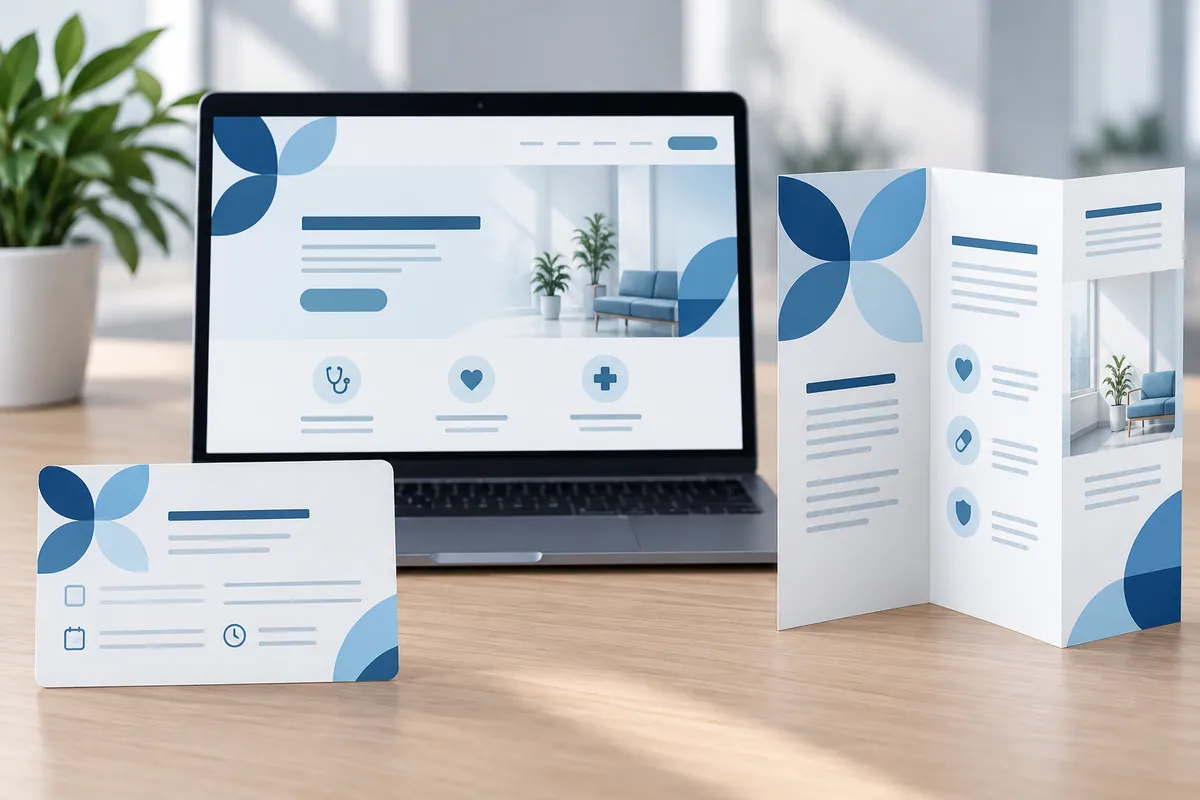
For example, a family comparing services may want to move between fees, visit arrangements and contact information. Ask your designer to demonstrate those movements in the finished PDF and check printed page references as well. Use the actual section titles, not internal chapter labels. A good pack supports both careful reading and quick consultation, with headings that help somebody returning later find the answer they remember seeing. Review the navigation again after adding or removing pages.
Check the contents page after the final edit and export. Page numbers and links can change when late material is added. The navigation should be reviewed with the actual distributed file, because a correct draft does not guarantee that the final pack remains easy to use.
Make the design useful in everyday work
Choose the questions readers are likely to return to and make their section names recognisable in the contents and headings. Ask the designer to demonstrate movement between related sections in the actual distributed file, including any links and printed page references. Recheck navigation after late additions or removals. A correct contents page in an earlier draft does not establish that the final pack still works. Consider whether frequently needed practical information also deserves a shorter maintained web route. The long document can retain useful depth while giving readers a dependable way to reach the part they need now.
How to check the result
Measure failed attempts to locate important information.
Turn reading into a next step
Your action checklist
Work through these checks with your team or supplier. Tick the ones you have resolved and leave unknowns open.
Record what you know, what is still missing and the answer you need from your team or supplier.
Use project decisions only, without personal, patient or confidential details. Entries stay in this page and are not submitted to Kay & Co. Copy or download before leaving; this page does not save your notes.
Further reading
These sources provide background for the topic. The practice examples and checklist are illustrative planning suggestions from Kay & Co.
Related guides
Need help with this?
Tell us what is getting in the way. Kay & Co. can help you understand the options and turn the next step into something that works for your practice.
Explore brand & design services or discuss your project.
Try the free Healthcare Digital Planner to find your starting priority.