

What this means for your practice
Create an image brief around practical audience questions and actual brand needs. Use the practice's approved permissions and review arrangements for identifiable people and premises.
An example to discuss with your team
Ask a reader what each proposed image helps them understand.

A practical example
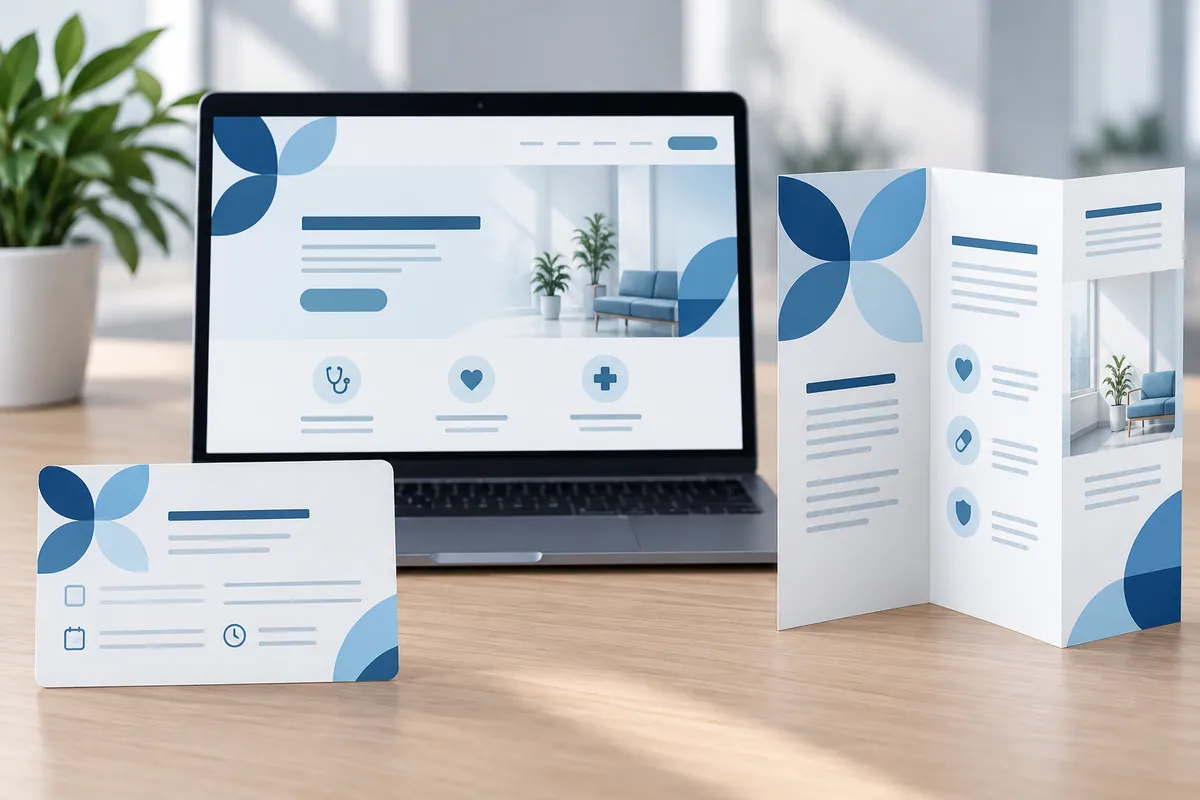
For example, an entrance image helps someone recognise the right door, while a practitioner portrait helps them recognise who they expect to meet. Ask the photographer for versions suitable for a wide website banner and a smaller profile without cutting away useful context. Review the images with captions and text descriptions, not just as a contact sheet. A good collection has a clear purpose for each photograph and avoids presenting illustrative or generated scenes as evidence of the actual practice.
Prepare captions that distinguish actual spaces and people from illustrative material. This matters when images are reused in social posts or brochures with less surrounding context. A genuine photograph should still be presented accurately rather than used to imply a different branch or facility.
Make the design useful in everyday work
Write the photography brief around the questions the images should answer. A view of the entrance, reception space or relevant facility may help someone prepare for a visit more than several interchangeable portraits. Confirm the actual spaces and uses with the practice, and follow its permission process for identifiable people. Ask the photographer to plan the required formats, including wider website crops and smaller profile use where relevant. Review the finished images with captions and surrounding copy. A photograph should support an accurate understanding of the practice rather than imply a facility, service or result that the associated page cannot substantiate.
How to check the result
Track assets without a defined use or permission record.
Turn reading into a next step
Your action checklist
Work through these checks with your team or supplier. Tick the ones you have resolved and leave unknowns open.
Record what you know, what is still missing and the answer you need from your team or supplier.
Use project decisions only, without personal, patient or confidential details. Entries stay in this page and are not submitted to Kay & Co. Copy or download before leaving; this page does not save your notes.
Further reading
These sources provide background for the topic. The practice examples and checklist are illustrative planning suggestions from Kay & Co.
Related guides
Need help with this?
Tell us what is getting in the way. Kay & Co. can help you understand the options and turn the next step into something that works for your practice.
Explore brand & design services or discuss your project.
Try the free Healthcare Digital Planner to find your starting priority.