

What this means for your practice
Provide templates for actual reception tasks and test them with the people who use them. Protect essential layout and factual elements while allowing necessary personalisation.
An example to discuss with your team
Ask reception staff to create a fictional notice without designer assistance.

A practical example
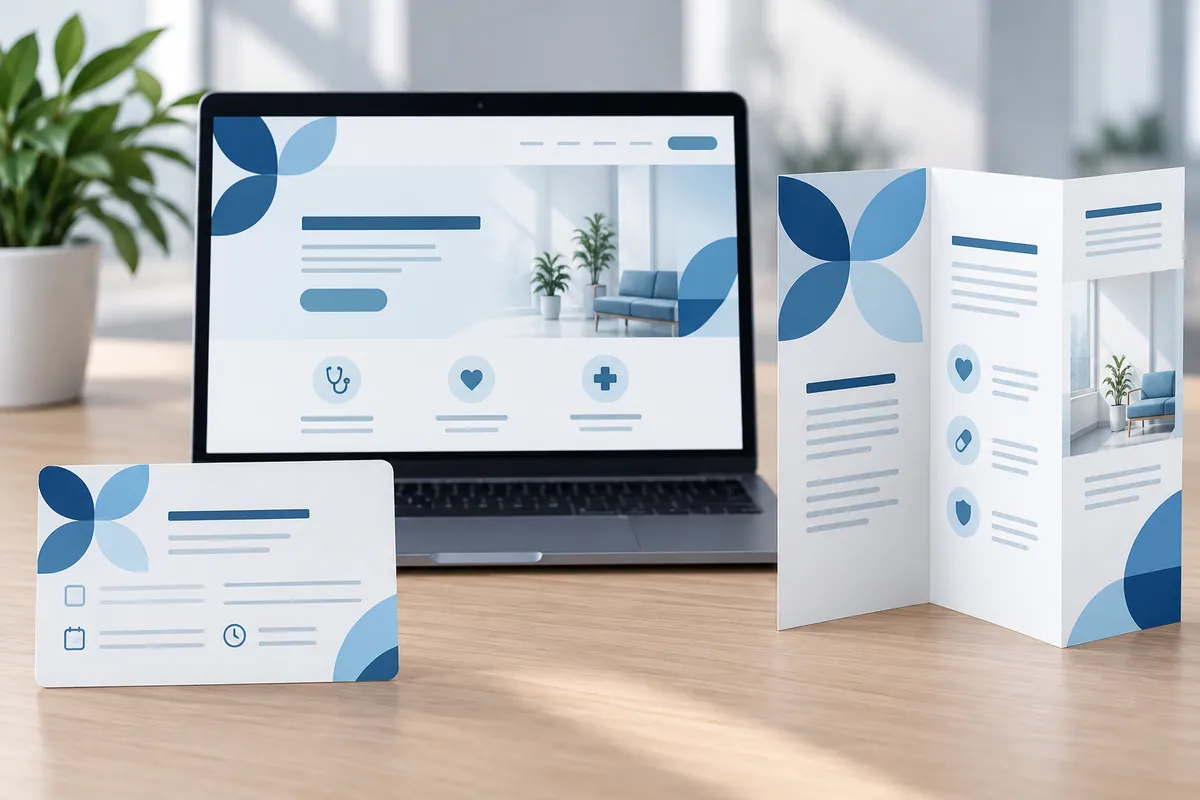
For example, ask a receptionist to create a fictional notice about changed hours using the proposed template. Include a longer message as well as the ideal short example. Watch for text running off the page, contact details being removed or staff copying an old letter because it is easier. Ask the designer to adjust the file around those findings and leave short instructions. A good result supports quick, accurate work while keeping the practice recognisable across everyday communication.
Keep the current templates in a location the team can find quickly and retire competing versions. A well-designed file is less useful if reception has to compare several similarly named copies before sending a routine letter. The handover should explain where the approved starting point lives.
Make the design useful in everyday work
Choose templates from reception's repeated tasks before designing a large asset collection. A closure notice, appointment information sheet or practical update may need different editing flexibility. Ask staff to create realistic fictional examples, including long names and an extra explanatory paragraph. Keep approved facts clearly distinguished from editable content and show where the current starting template lives. Review workarounds as feedback about the design, not automatically as staff error. The useful result is a set of tools that supports routine communication without calling the designer for every change or allowing important information to drift between copied files.
How to check the result
Count template tasks requiring external help.
Turn reading into a next step
Your action checklist
Work through these checks with your team or supplier. Tick the ones you have resolved and leave unknowns open.
Record what you know, what is still missing and the answer you need from your team or supplier.
Use project decisions only, without personal, patient or confidential details. Entries stay in this page and are not submitted to Kay & Co. Copy or download before leaving; this page does not save your notes.
Further reading
These sources provide background for the topic. The practice examples and checklist are illustrative planning suggestions from Kay & Co.
Related guides
Need help with this?
Tell us what is getting in the way. Kay & Co. can help you understand the options and turn the next step into something that works for your practice.
Explore brand & design services or discuss your project.
Try the free Healthcare Digital Planner to find your starting priority.