

What this means for your practice
Specify the file formats, variations and usage instructions needed for everyday work. Confirm ownership and licensing arrangements through the agreed project process.
An example to discuss with your team
Ask a staff member to prepare a common asset from the delivered files.

A practical example
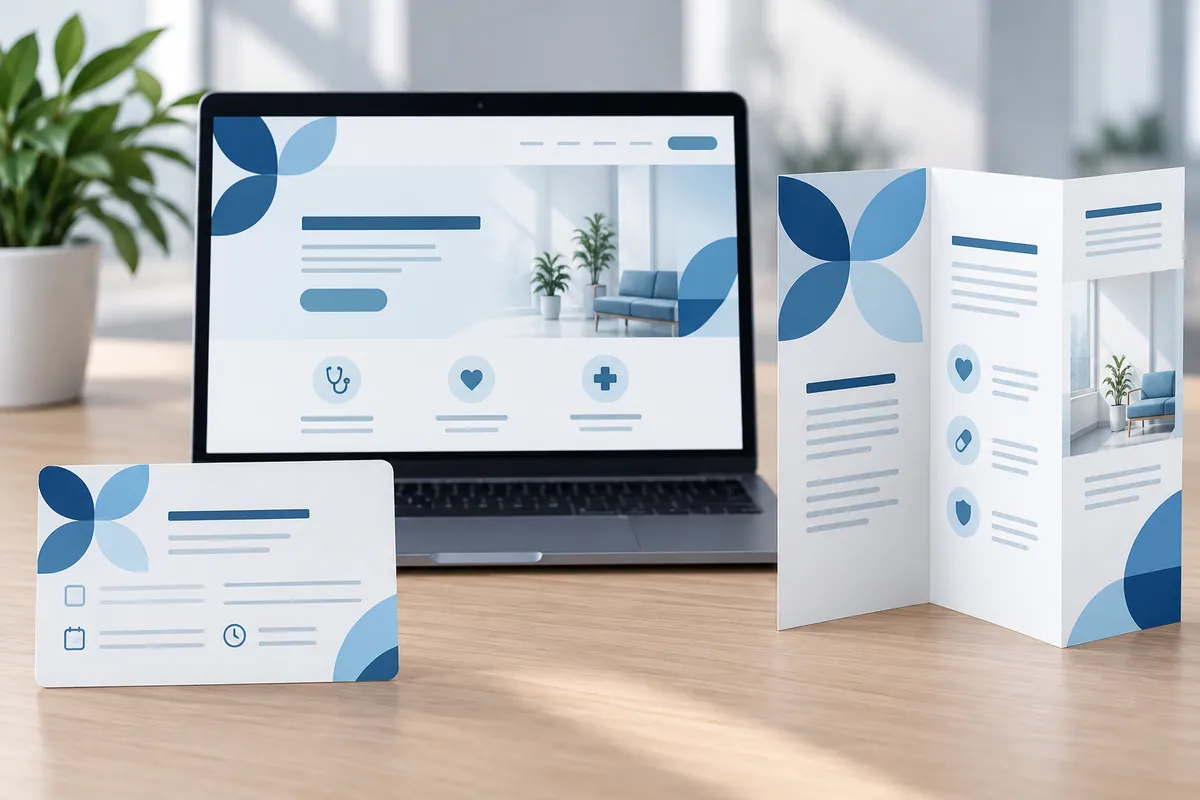
For example, reception may need a version that works in its document template, while a sign maker needs artwork suitable for a large format. Ask the designer to identify which file belongs to each use and include guidance for dark backgrounds and small spaces. Confirm ownership and licensing through the project agreement. Then have a colleague prepare a fictional letter using only the handover pack. A useful delivery is one the receiving team can actually use, without repeatedly asking the designer to resend a different version.
Keep filenames descriptive enough for a non-designer to choose correctly. “Logo for dark backgrounds” is more useful than a mysterious version number when staff prepare a notice quickly. Include a simple preview sheet so the team can recognise the supplied variations before opening them.
Make the design useful in everyday work
List the routine jobs the practice needs to do with the logo, such as a document header, social image or supplier print request. Ask the designer to match those jobs with clearly named files and short instructions. Include the relevant variations and explain backgrounds or sizes where a version should not be used. Confirm source-file, font and other licensing arrangements through the agreed project process. Have a colleague prepare one ordinary asset from the handover package without designer help. Missing files or confusing names are easier to resolve before the project closes than during the next urgent publication.
How to check the result
Track requests for missing or unsuitable logo formats.
Turn reading into a next step
Your action checklist
Work through these checks with your team or supplier. Tick the ones you have resolved and leave unknowns open.
Record what you know, what is still missing and the answer you need from your team or supplier.
Use project decisions only, without personal, patient or confidential details. Entries stay in this page and are not submitted to Kay & Co. Copy or download before leaving; this page does not save your notes.
Further reading
These sources provide background for the topic. The practice examples and checklist are illustrative planning suggestions from Kay & Co.
Related guides
Need help with this?
Tell us what is getting in the way. Kay & Co. can help you understand the options and turn the next step into something that works for your practice.
Explore brand & design services or discuss your project.
Try the free Healthcare Digital Planner to find your starting priority.